Rotating Images That are Blocked by the Banking Icon
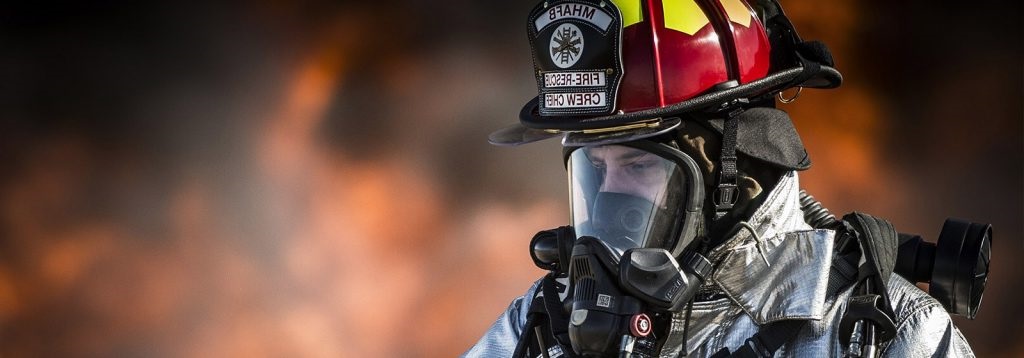
You have a 1600 by 560 image that you want to use as a banner image, but the person’s face is covered by the Online Banking Image. Here is an easy trick to fix that using Paint.

Here is the original image
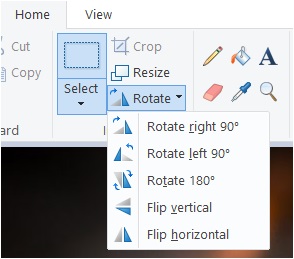
Open it up in paint – select rotate, and then flip Horizontally.
Now the image will be on the other side
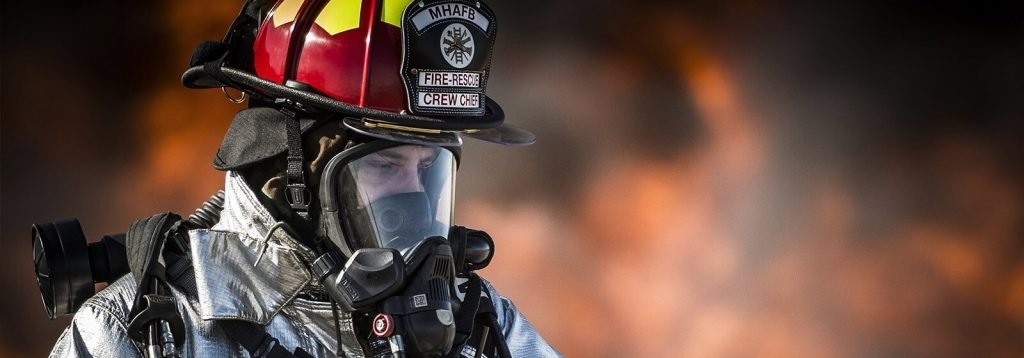
Import that image into the media library as a banner and your problem is solved
